
Last updated: October 11, 2026
Quick Answer: The fastest workable setup for how to collect and manage SaaS listing submissions is usually a 3-part system: a form, a database, and a review queue. For many teams, that means 1 intake form, 1 record per product, and 1 weekly review cycle, which is enough to keep submissions moving without losing context.
If you need a clean way to collect SaaS listing submissions, the answer is to treat how to collect and manage SaaS listing submissions like a structured intake pipeline, not a pile of email threads. The right system gives you one form, one database, one review queue, and one decision rule so you can add listings without losing context, duplicating work, or publishing incomplete profiles. In practice, this usually means fewer than 10 required fields on intake and a single status field for every record.
What problem does SaaS listing management actually solve?
It solves the mess that starts when submissions arrive through five channels and nobody owns the next step. A SaaS listing submission can include a product name, screenshots, pricing, integrations, tags, founder contact details, and an approval request; if those details live in inboxes and spreadsheets, errors spread fast.
I would frame the job as two separate tasks: collection and management. Collection means getting consistent data from vendors or internal teams. Management means verifying, categorising, routing, and updating that data before it reaches a directory, marketplace, comparison page, or partner portal.
This matters most when the site has more than about 20 submissions a month, because manual follow-up starts to break down once the same questions get asked repeatedly: “Which pricing tier should I list?”, “Do you support SSO?”, “Is this integration live or planned?”, and “Who approved this copy?” A shared form and workflow cut that back-and-forth, while a review log makes it clear why one listing moved forward and another stalled. According to Nielsen Norman Group, reducing avoidable form friction improves completion rates, which is why shorter, structured intake often performs better than open-ended requests.
I would not use this setup if you only accept a handful of submissions per quarter and each one is hand-edited by the same person. In that case, a simple inbox plus a spreadsheet may be enough. The point of the system is not complexity; it is consistency.
What should a SaaS listing submission form collect?
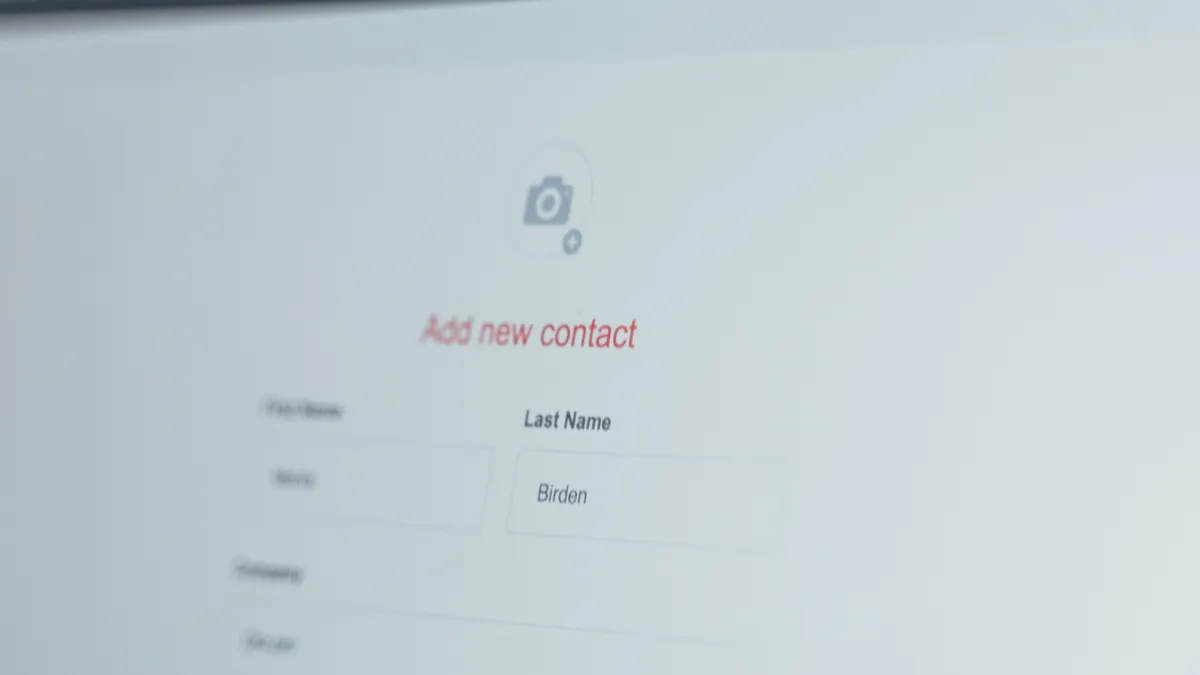
A SaaS listing submission form should collect the fields you actually need to publish and verify a listing, not every possible detail a vendor might offer. The core set is usually product name, website URL, short description, category, primary use case, pricing model, supported platforms, integrations, company contact, and approval status.
I prefer to separate fields into three groups:
- Identity fields: product name, vendor name, site, logo, and contact email.
- Publishing fields: description, screenshots, categories, tags, pricing, and feature highlights.
- Review fields: evidence links, notes, reviewer name, status, and publication date.
A form that asks for the same thing twice wastes attention. If you already collect a canonical product name, do not ask for a separate “listing title” unless your platform genuinely needs a display version. If you need structured filtering later, collect structured inputs now. For example, make “Pricing model” a dropdown with options like free, freemium, trial, usage-based, and quote-based rather than a free-text box that returns ten versions of “contact sales.”
The trade-off is friction. The more fields you require, the fewer quick submissions you get. That is acceptable for a marketplace or directory that values accuracy. It is a poor choice for a lightweight lead form, where speed matters more than completeness. If approval depends on a field, make it mandatory. If it only helps with later enrichment, keep it optional. The UK Information Commissioner’s Office says data minimisation should keep collection relevant and limited to what is necessary, which is a useful benchmark for form design; see the ICO guidance. For secure identity handling, the NIST Digital Identity Guidelines are a reasonable reference point even when your workflow is not strictly regulated.
How do you manage submissions without losing track?
You manage submissions by giving every item a status, an owner, and a timestamp from day one. Without those three things, you do not have a workflow; you have a folder.
The simplest workable pipeline has five stages: new, needs review, needs changes, approved, and published. Each submission should move through those stages in a database, not inside a private inbox. Airtable, Notion databases, HubSpot forms, Typeform, Google Forms plus Sheets, and even a CRM can support this if the fields are clean and the permissions are clear.
I would also add a source field. That tells you whether a submission came from a partner, a vendor, an internal content team, a paid placement request, or a direct form fill. The source matters because it changes the review priority and the follow-up script.
Use one record per company or product, not one record per email. If a vendor updates pricing or sends a new screenshot set later, append the change to the existing record and log the date. That reduces version drift, which can make a listing page unreliable if the record history is not maintained.
A good management view needs at least these columns: submission date, current status, assignee, last action date, missing fields, and publication target. That is enough to answer the daily question: what is blocked, what is ready, and what can wait until next week?
The obvious alternative is shared inbox triage. I would choose that only if volume stays low and there is one editor doing the entire job. The moment multiple people touch the same queue, the inbox becomes a liability.
What goes wrong when you collect SaaS listing submissions?
The biggest failure is incomplete or unverifiable data, and it usually starts with a form that is too open-ended. A vendor writes a polished paragraph, but the pricing page is missing, the integration is not live, and the logo is the wrong format. The listing then gets stuck while someone chases basics that should have been required up front.
Another common failure is duplicate submissions. That happens when different people submit the same product through separate paths: a partner form, a contact page, a sales rep, and an ad hoc email. If you do not deduplicate by product name, domain, and company name, you can end up with two active records for the same SaaS tool.
The cost is not just admin time. A duplicate or stale listing creates downstream problems in search filters, syndication feeds, comparison tables, and partner approvals. If a product disappears or rebrands, old data can linger in the public page for weeks unless someone owns the cleanup. That is how trust erodes.
I would also call out approval bottlenecks. Many teams collect listings faster than they can review them. Once review takes longer than a few days, follow-up volume rises, and the submission queue becomes a storage problem rather than a publishing system. The fix is not more reminders; it is a clear service-level target for each stage. Even a simple internal rule like “review new submissions twice a week” is better than none.
This is the part generic guides usually skip: management errors often come from governance, not software. If nobody defines who can approve a listing, which fields are mandatory, or when a stale submission gets archived, the tool choice will not save the process.
Which tools should I use to collect and manage SaaS listing submissions?
You should use the lightest tool stack that can enforce required fields, store records cleanly, and route work to the right person. For most teams, that means a form builder plus a database or CRM, not a custom app on day one.
A practical stack looks like this:
- Form layer: Typeform, Tally, Google Forms, or HubSpot forms
- Database layer: Airtable, Notion database, HubSpot CRM, or Google Sheets for very small volume
- Automation layer: Zapier, Make, or native workflow rules
- Review layer: Slack, email notifications, or an internal task board
The form builder should do validation. That means checking URL format, requiring contact email, and limiting file uploads to a known set of formats such as PNG or JPG. The database should support filters and status views. The automation layer should create a new record, assign an owner, and alert the reviewer.
I would avoid starting with spreadsheets alone if the team expects more than basic intake. Spreadsheets are fine for storage, but they are weak for permissions, change logs, and repeatable routing. They also make it easy to overwrite the wrong cell, which is a small error until it touches a published listing.
The trade-off is cost versus control. A CRM or structured database takes longer to set up than a sheet, but it gives you fewer surprises later. A no-code stack is usually enough unless your listing volume is high, your approvals are complex, or you need field-level permissioning.
For data handling and access control, I would look at the ICO guidance and the NIST security framework as reference points, even if your use case is commercial rather than regulated.
How do you keep submissions accurate over time?
You keep submissions accurate by building a refresh process, not just an intake process. A listing is not a one-time asset; it changes when pricing changes, product names change, integrations launch, or companies shut down.
I would schedule a review cycle based on listing type. High-traffic or partner listings might need a quarterly check. Lower-priority listings might only need a six-month review. The point is to avoid a public page that still shows a trial offer from last year or a feature that no longer exists.
Accuracy also depends on version control. Every edit should preserve the original submission date, the last reviewed date, and the reviewer name. That gives you a basic audit trail. If a vendor disputes a change, you can see what was submitted, what was approved, and when the edit happened.
A clean update process needs a defined trigger list. Examples include:
- pricing page URL changes
- new integrations added
- company rebrand
- product sunset
- support contact change
Those triggers can come from manual review, vendor notifications, or scheduled checks. I would not wait for a customer complaint to discover stale data. That is the most expensive version of maintenance.
This is also where many teams get lazy and let “published” mean “done.” It is not done. It is only live. If a listing influences buyer trust, directory ranking, or partner acceptance, freshness matters as much as first publication.
How should a team set up the workflow from first submission to publish?
A team should set up the workflow as a small chain with clear ownership, not as one giant approval event. The clean version is intake, validation, enrichment, review, approval, publication, and refresh.
The first step is intake. The form collects the minimum required fields and creates a record automatically.
The second step is validation. A coordinator checks for broken URLs, missing logos, unclear pricing, and duplicate company names.
The third step is enrichment. Someone adds category tags, internal notes, or cross-links if those are part of the publishing model.
The fourth step is review. A content lead or product marketer confirms that the copy, screenshots, and placement are correct.
The fifth step is publication. The listing is pushed to the directory, marketplace, or CMS.
The sixth step is refresh. A reminder is set for the next review date.
I like this model because it scales without becoming bureaucratic. Each step answers one question and hands off to the next owner. That is better than a single “publish” button used by five people for different reasons.
The main limitation is coordination overhead. If your team is tiny, too many steps slow everything down. If your team is larger, skipping steps creates inconsistency. So the right workflow depends on volume, error tolerance, and how public the listing is. A lead-gen page that changes weekly needs tighter control than a static partner directory.
Common questions about SaaS listing submissions
How many fields should a submission form have?
It should have as many fields as you need to publish and verify the listing, usually fewer than the vendor expects and more than a casual contact form. I would start with the essentials first and add only the fields that remove a real follow-up step. For many teams, that means 8 to 12 fields, not 20.
What is the best tool for managing submissions?
The best tool is the one that can enforce required fields and store status cleanly for your current volume. For small teams, a form builder plus Airtable or a CRM is often enough; for low volume, a shared spreadsheet may still be workable. In many cases, a 3-tool stack is enough: one form, one database, and one notification channel.
How do I avoid duplicate listings?
I would deduplicate by product name, company name, and domain before creating a new record. If a product has changed names, keep the old record linked to the new one rather than creating a second live entry.
How often should listings be reviewed?
That depends on how often the product changes and how visible the listing is. High-impact pages deserve a quarterly review; quieter listings can often wait longer, as long as there is a clear trigger for changes.
Should vendors be allowed to edit their own listings?
Only if you can review those edits before they go live. Direct self-editing is fast, but it increases the risk of inconsistent copy, broken formatting, and unverified claims.
Key Takeaways
- A submission system works best when collection and review are separate steps.
- Use required fields to stop incomplete entries before they enter the queue.
- Track status, owner, and last update date for every record.
- Duplicate records and stale pricing are process problems, not just content problems.
- A simple stack is enough if it enforces structure and ownership.
- The right workflow depends on volume, review speed, and how public the listing will be.
Drafted with AI; not yet reviewed by a person.